
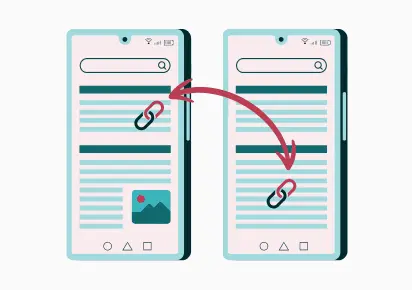
Internal linking plays a pivotal role in improving website usability, boosting SEO, and ensuring visitors can easily find the information they need. With mobile usage dominating online traffic, optimizing internal linking for seamless mobile navigation is more critical than ever. So, here’s how to do it effectively.
Why Internal Linking is Important for Mobile SEO
Improved Crawlability: Internal links help search engine bots navigate your site, which is especially critical for mobile-first indexing.
Enhanced User Experience: Properly linked content allows mobile users to access relevant information without excessive scrolling or tapping quickly.
Boosts Page Authority: Links spread “link juice” across your site, helping search engines understand the hierarchy and importance of pages.
Reduced Bounce Rate: Intuitive internal linking encourages users to explore more pages, reducing bounce rates on mobile devices.
Challenges of Mobile Internal Linking
However, there are certain challenges to consider.
For example, smaller Screens: Limited space makes it harder to include and display multiple links without overwhelming users.
Moreover, touch Navigation: Links that are too close together can lead to accidental clicks, frustrating users.
In addition, page Load Speed: Too many internal links, especially with large images or scripts, can slow down page loading on mobile.
Building a Strong Link Structure
1. Create a Logical Link Structure
To begin with, plan Your Content Hierarchy: Organize your site content in a clear hierarchy (e.g., Home → Categories → Subcategories → Individual Pages).
At the same time, link Contextually: Include links within the content where relevant. For instance, if you’re mentioning a related blog post, link to it directly.
Furthermore, Focus on Pillar and Cluster Pages: Use a hub-and-spoke model, where pillar pages link to cluster pages and vice versa.
2. Optimize Anchor Text for Mobile Users
Next, keep Anchor Text Short: Use concise, descriptive anchor text that’s easy to read and click on mobile devices.
In place of “Click here to learn more about SEO,” for instance, use “Learn more about SEO.”
Avoid Overloading Keywords: Make anchor text natural and user-friendly, not overly stuffed with keywords.
3. Use Navigation Menus Wisely
Equally important, a clean and simplified mobile menu improves usability and makes internal navigation easier for users.
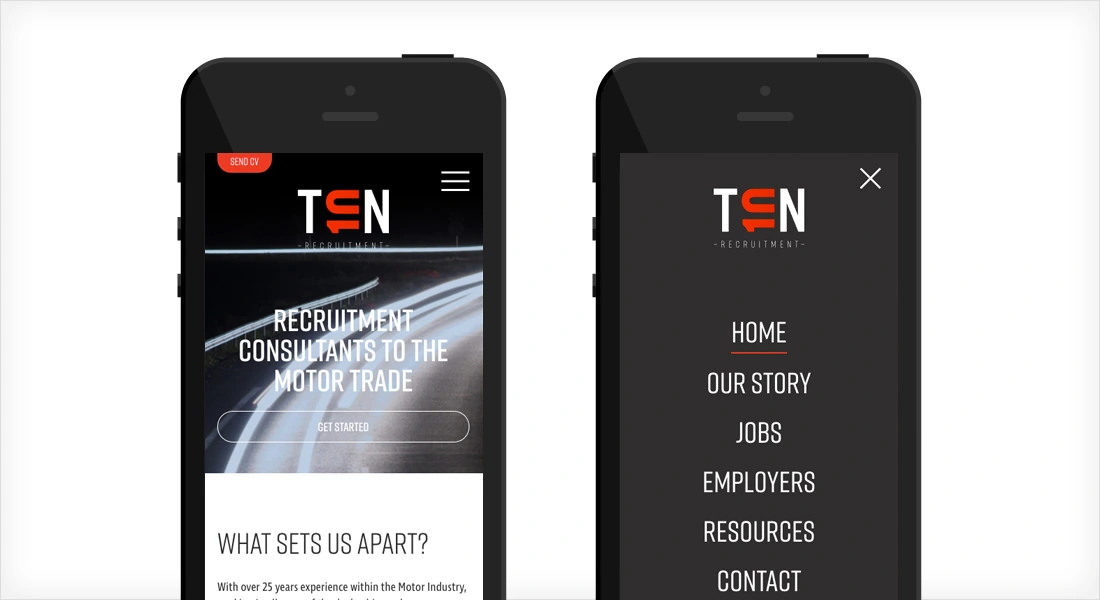
Implement Sticky Menus: A sticky navigation bar at the top or bottom of the screen keeps important internal links accessible.
Simplify Menus: Avoid long dropdown menus on mobile. Instead, link to category pages that guide users further into the site.
Include a Search Bar: For larger sites, a well-optimized internal search bar can complement your internal linking strategy.
4. Make Links Touch-Friendly
Space Links Adequately: Ensure links are not clustered together, so users can tap them without accidentally clicking adjacent links.
Use Button Links: For critical internal links, consider using large, tappable buttons instead of traditional hyperlinks.
5. Leverage Breadcrumb Navigation
Another effective method is using Breadcrumbs. Breadcrumbs improve user navigation by showing users where they are within the site hierarchy.
Example: Home > Blog > SEO > Internal Linking Tips
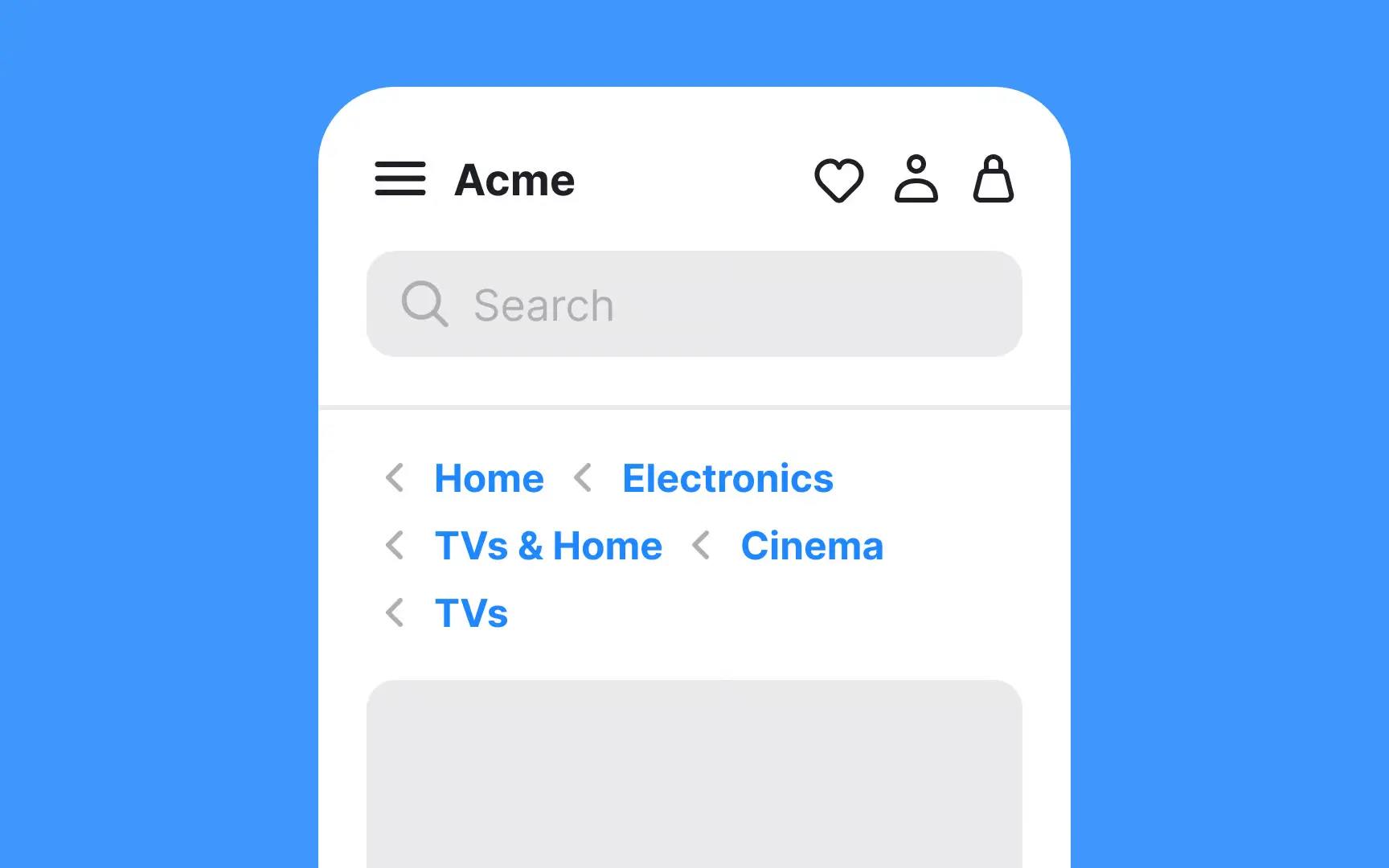
On mobile, use collapsible breadcrumbs to save space while maintaining navigational clarity.
6. Reduce Link Clutter
Prioritize Links: Only include essential internal links for mobile users to prevent them from being overwhelmed.
Hide Non-Critical Links: Use expandable sections (accordion menus) for less frequently used links.
7. Monitor Link Performance
Track Click-Through Rates (CTR): Use analytics tools to monitor how often internal links are clicked on mobile devices.
Identify Broken Links: Regularly audit your site for broken links that frustrate users and hurt SEO.
Mobile-Specific Internal Linking Examples
Example 1: Blog Navigation
Include links to related posts at the end of each article under a “You Might Also Like” section.
Example 2: E-commerce Navigation
Link to complementary products on product pages. Example: On a page for running shoes, include internal links to socks, fitness trackers, and apparel.
Example 3: Service-Based Sites For a web design agency, link to case studies, pricing pages, or testimonials within service descriptions.
Best Practices for Technical SEO in Mobile Internal Linking
Use Mobile-Friendly URLs: Ensure URLs are clean and descriptive for better SEO and user readability.
Implement Schema Markup: Use structured data to enhance internal links in SERPs, like site links for navigational queries.
Minimize Redirects: Ensure internal links point directly to the correct mobile version of the page without unnecessary redirects.
Conclusion
Optimizing internal linking for seamless mobile navigation isn’t just about adding more links; rather, it’s about crafting an intuitive, user-friendly experience that supports both mobile users and search engines. By focusing on clear hierarchies, touch-friendly designs, and relevant contextual links, you can create a site that not only ranks well but also satisfies your audience.